
Setting up "On Hold" reasons
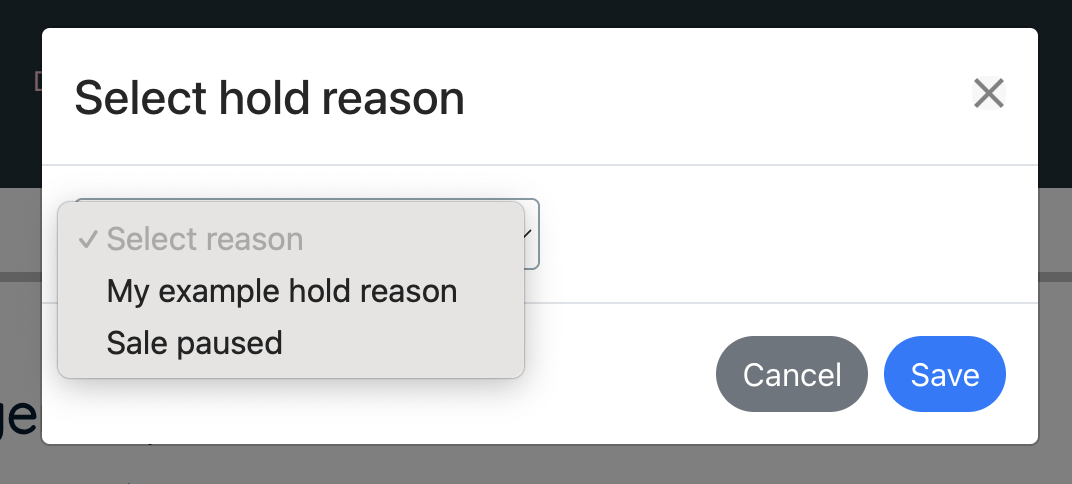
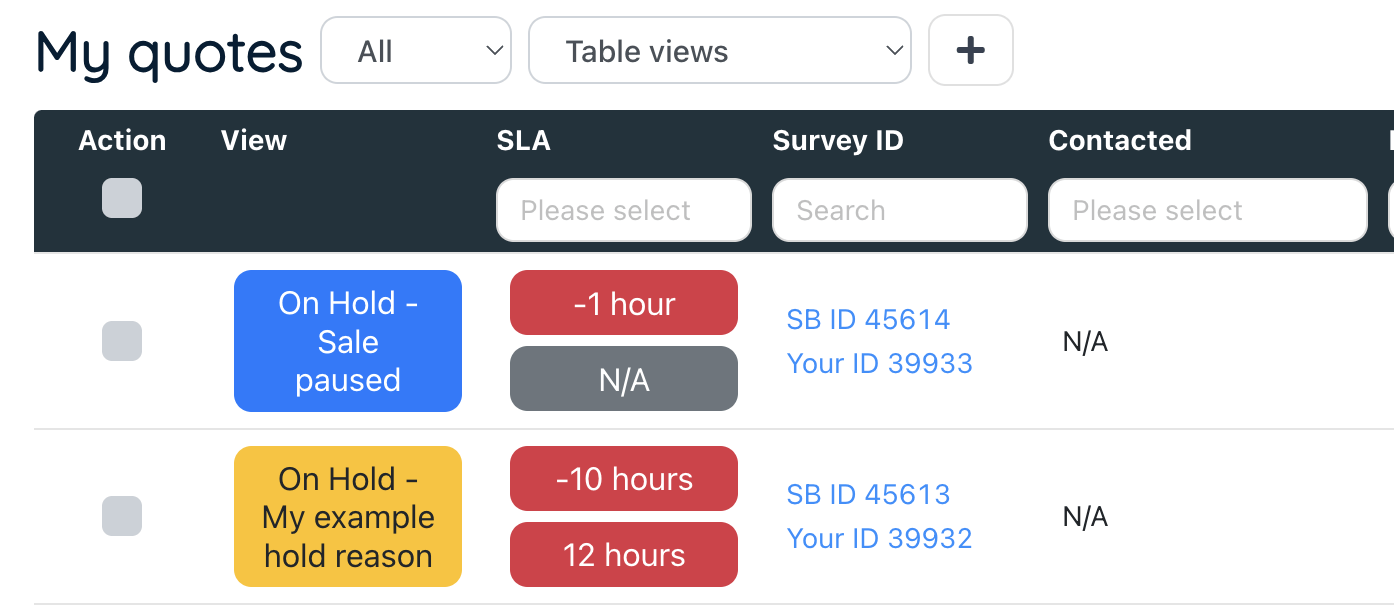
When putting a job On Hold, the system will ask for a reason to test. This will display on the Quote/Job table “View” button and on the “What’s next” section.
These standard reasons help you to quickly see why a job is On Hold without going into the job itself to view notes.
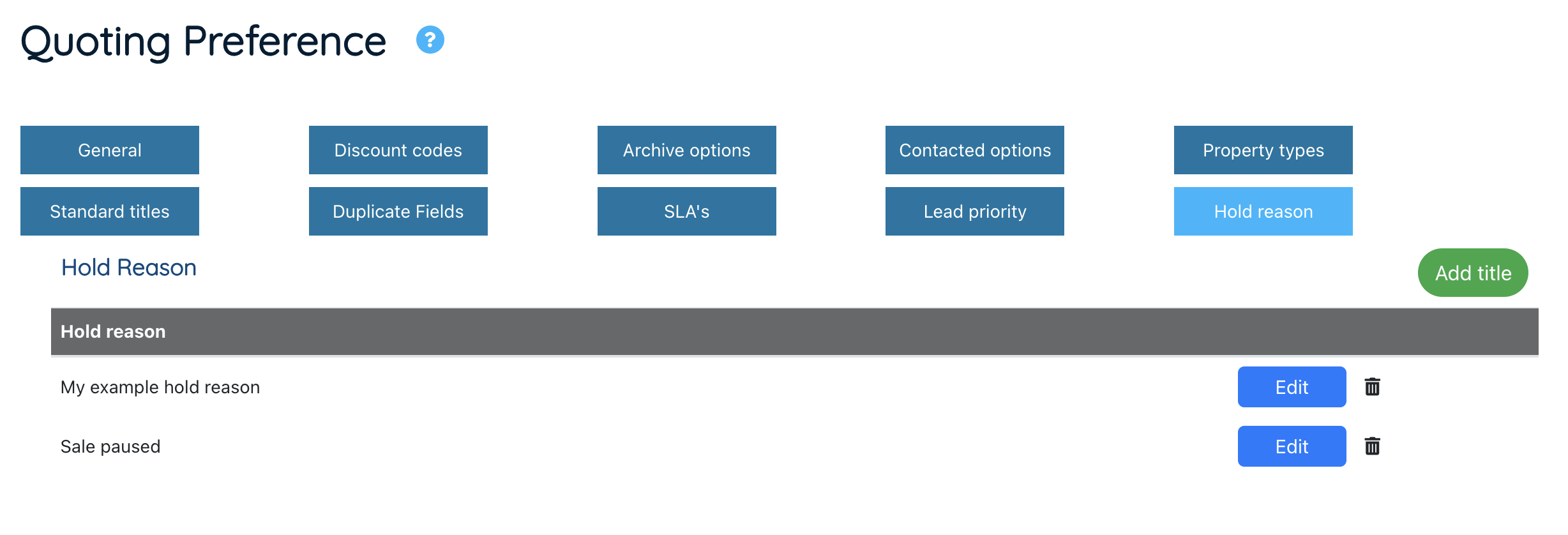
To set up your On Hold reasons, navigate to Settings > Survey settings > Quoting preference > Hold reasons tab.
Here you can add your different reasons by pressing “Add title”.
Setting the On Hold reason.
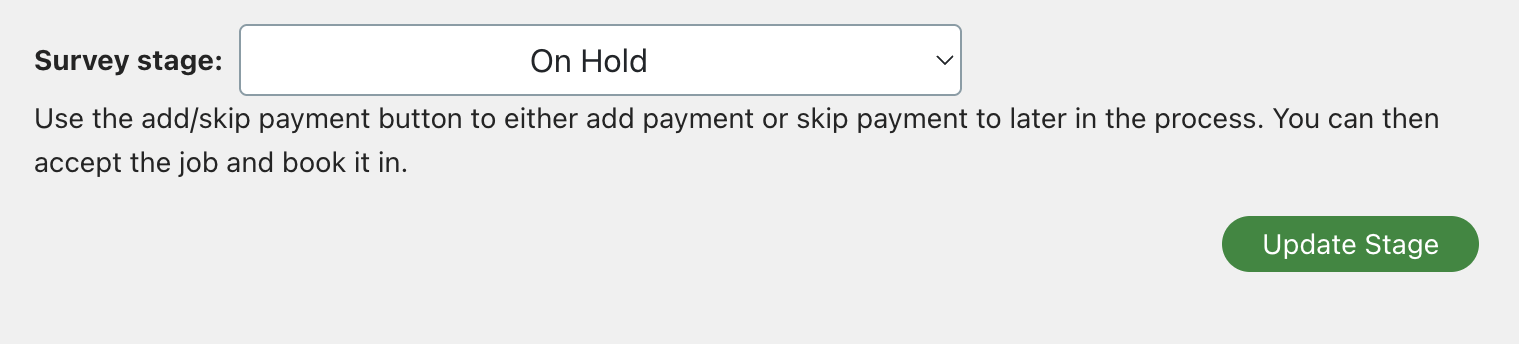
When you select “On Hold” from the stage dropdown, you will be asked for the reason via a pop up.