
Setting your own referrer portal “What’s next” text
To do this, you need to have the “Custom customer portal feature”.
If enabled, navigate to Settings > Customer portal settings > Account settings tab.
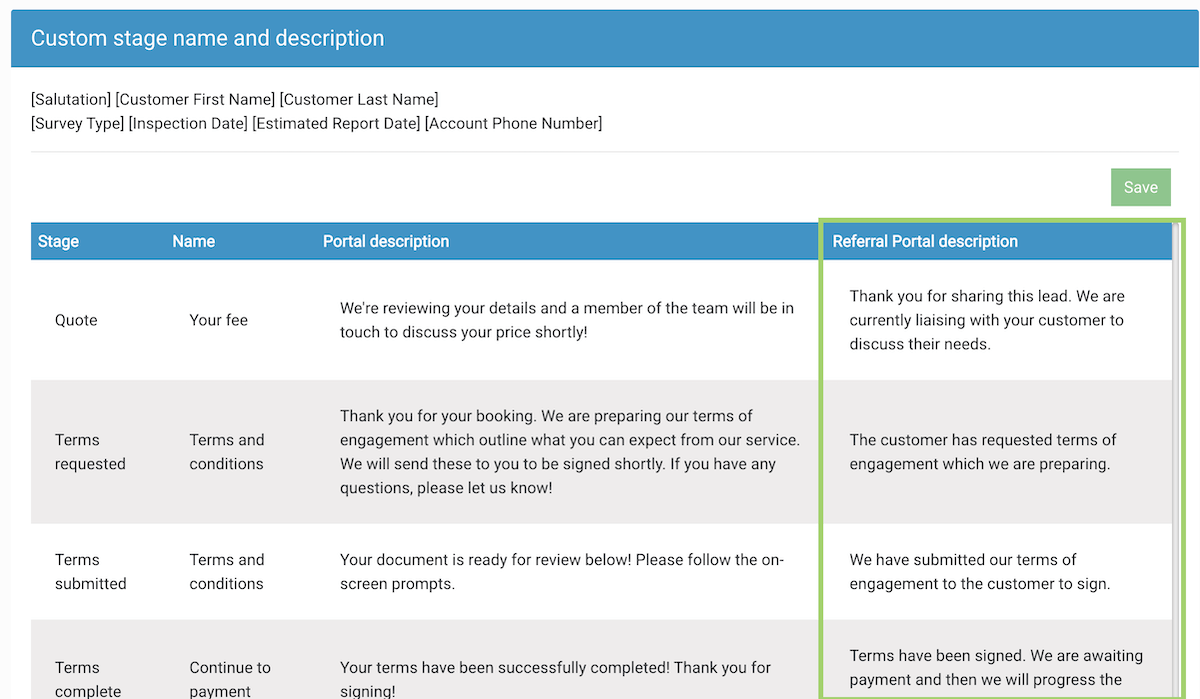
Scroll to the “Custom stage name and description” table.
Under the “Referral Portal description” column you can set your own stage text.